Editing a 3D Room by Chat: How AI Floor Plan Editors Work
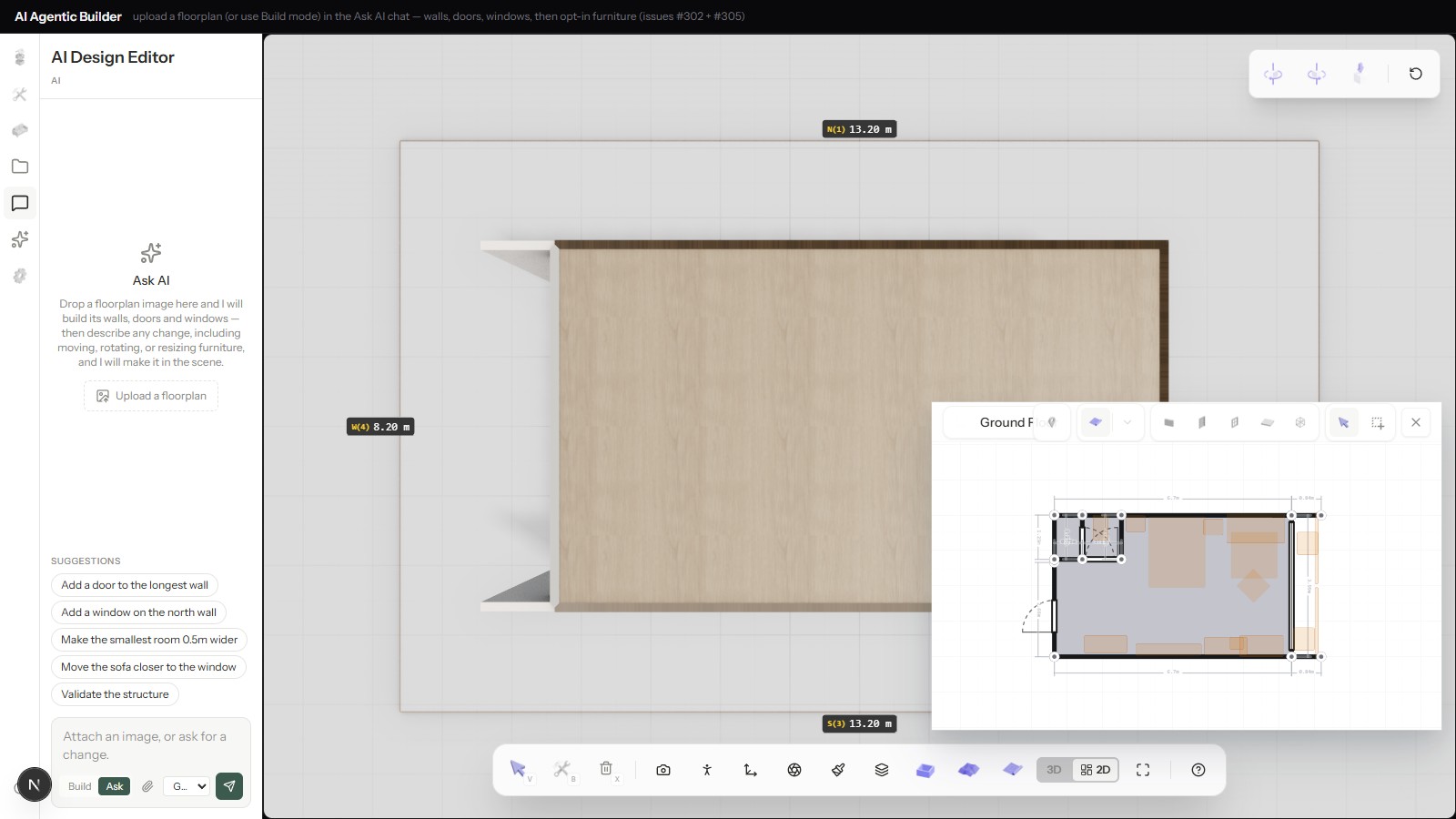
"Chat-based editing" sounds like a UI convenience layered on top of a 3D tool — type a sentence instead of clicking through menus. What's actually happening underneath is more specific than that, and understanding it explains both what a chat edit can reliably do and where it still needs a human.
From a flat upload to an editable scene graph
The starting point is a 2D floor plan image — lines, dimensions, door swings, nothing a 3D tool can act on directly. A vision-language model reads that image and extracts structure: wall positions, openings, room boundaries. That structure gets built into actual 3D geometry — walls with real height and thickness, correctly placed and dimensioned — and furniture gets placed into it from a real catalog. The result is a scene graph: walls, furniture, and materials as separate, addressable objects, not a flattened model. This is also the point where the chat panel becomes useful — everything after this is asking the model to describe changes against a scene it can already read.
That "already read" part matters more than it sounds like it should. A chat request like "move the sofa closer to the window" only resolves into a concrete action because the model has a structured scene to resolve it against — a specific sofa object, a specific window position, both addressable. The same sentence typed at a blank canvas with no scene behind it wouldn't mean anything actionable; the scene graph is what turns natural language into something a deterministic engine can actually execute.
What a chat edit actually changes under the hood
Not every request touches the same layer. Material and furniture-position requests — "make the accent wall darker," "move the sofa closer to the window" — are scene edits: they change which object occupies a slot or which material a surface references, without touching the underlying wall or room geometry at all. Structural requests — "add a door to the longest wall," "make the smallest room half a meter wider" — do change geometry: a new opening gets cut, or a wall gets moved.
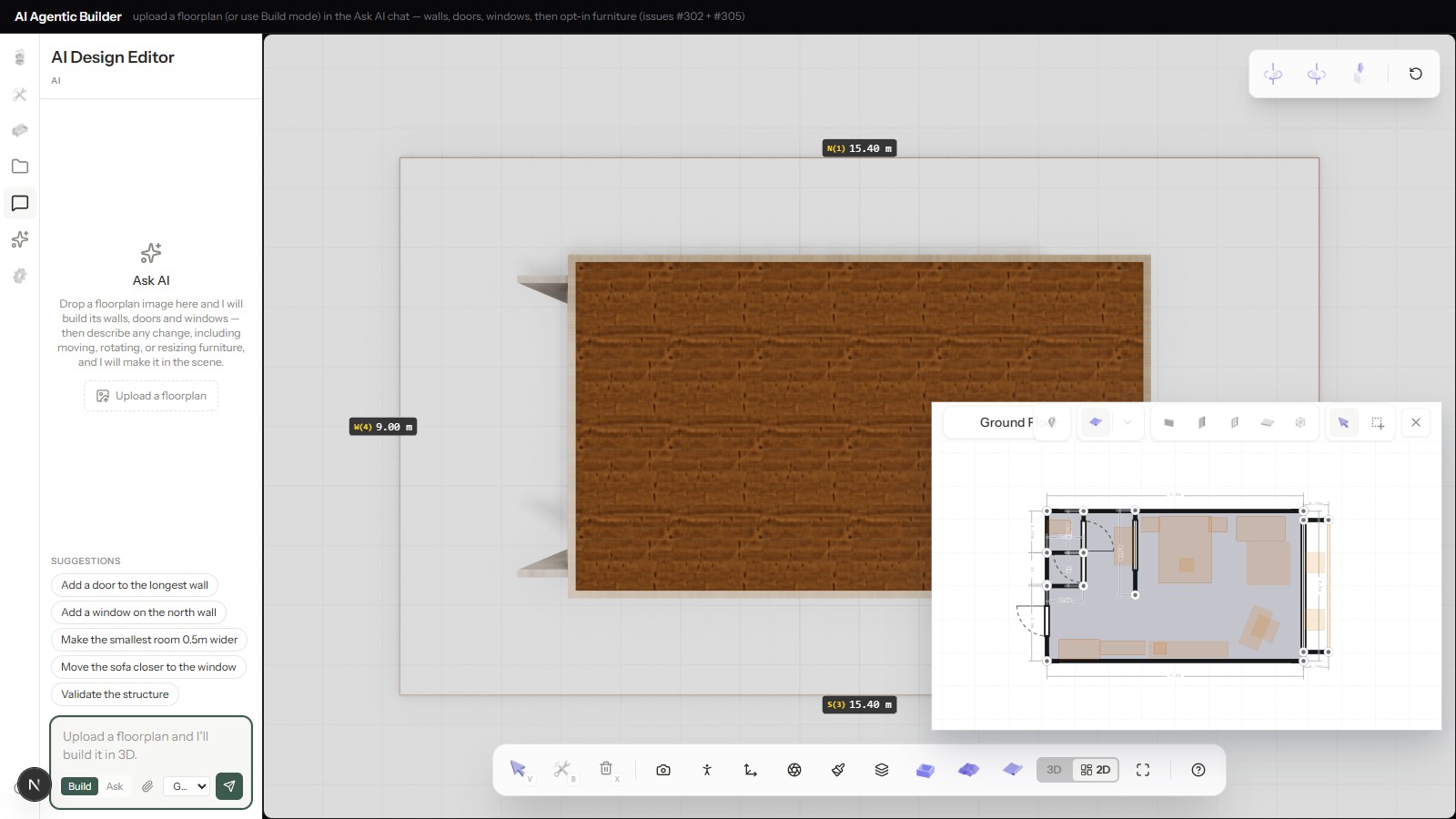
The model's job in both cases is the same: translate a natural-language request into a specific, structured change to the scene graph — not regenerate the room from scratch. That distinction is what keeps a chat edit fast and keeps everything not touched by the request exactly as it was. It's also why a well-scoped request produces a small, fast edit while a vague one either gets rejected or produces a much larger structural change than intended — the model isn't guessing at scope, it's translating the request as literally as the scene graph allows.
Checking an edit's own work
An unconstrained edit could easily produce an invalid room — a wall moved into another wall, furniture overlapping the wall it was meant to sit against. The model has a structure-validation tool it can call mid-conversation, and the system prompt tells it to reach for that tool after a risky structural change: it reports wall hygiene problems and any furniture that now overlaps a wall, a room boundary, or another piece, as plain text the model reads back.
It's worth being precise about what this is and isn't. The mutation already happened by the time the report comes back — moving a wall, adding an opening, repositioning a piece all take effect immediately when the model calls the tool for it. Validation afterward is the model checking its own work, not a gate standing between a proposed edit and the scene. And the furniture check specifically is advisory: it flags an overlap in the report, but nothing about it blocks or reverts the edit that caused it. What actually prevents most bad edits isn't an enforcement layer — it's that the model is instructed to look, and usually does.
Where a human still has to intervene
Chat editing handles well-specified, well-scoped requests reliably. It handles poorly specified ones by asking for clarification rather than guessing — an instruction that's genuinely ambiguous ("make it feel more premium" with no specifics) or that conflicts with a physical constraint the model can't resolve on its own still needs a person to either clarify what's actually wanted or make the change directly through the manual tools. The chat layer is a fast path for requests specific enough to translate into a scene edit, not a replacement for judgment calls that need a human's actual intent. The practical pattern that emerges is a division of labor: the chat panel handles the high volume of small, specific, well-defined changes a review cycle actually generates, and a person stays in the loop for the smaller number of decisions that genuinely require taste or context the model doesn't have.
Getting started
For the earlier stage this builds on — how the initial upload becomes editable geometry in the first place — see how to turn a 2D floor plan into a 3D room. For how the model's role here compares to other AI-driven 3D generation approaches, see AI models for 3D: what actually generates a 3D room. For the full picture of what Flur builds beyond the editing layer, see what is Flur?
See how it works or request early access to try chat-based editing on your own floor plan.