Gaussian Splatting vs Mesh vs Panorama for Interior Walkthroughs
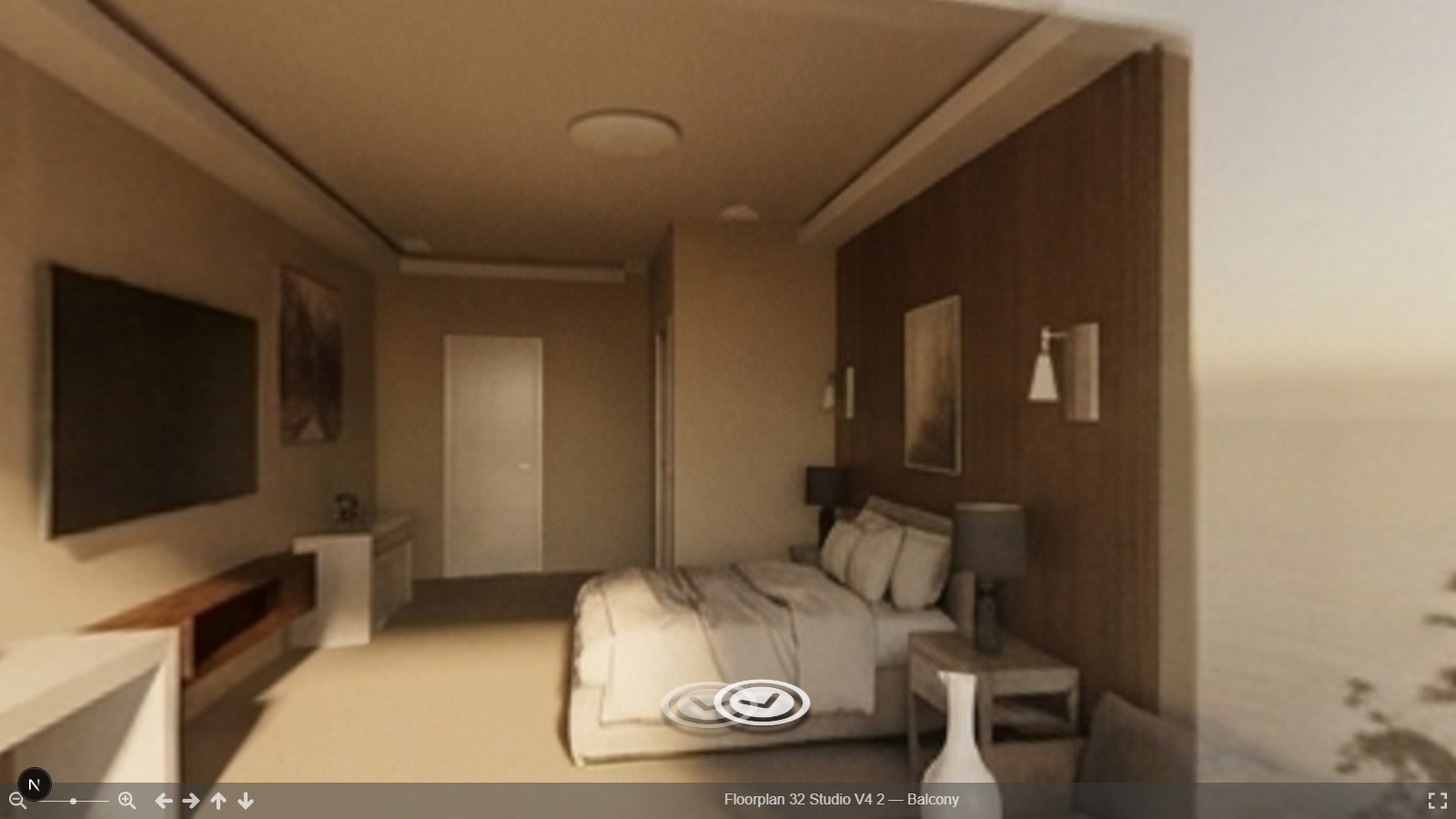
Three formats get compared for the same use case — showing someone a 3D interior — and they're not actually competing on the same axis. Picking wrong isn't just a quality tradeoff; it can mean choosing a format that structurally can't do what you need later.
What each format actually is
Gaussian splatting reconstructs a real scene from a set of photos as millions of
small, colored, soft-edged points in 3D space. Train it on enough overlapping photos of
a room and you can render new viewpoints that weren't in the original photo set,
photoreal from any nearby angle. The common formats are .ply and .splat, and
SuperSplat is the standard open-source tool for viewing,
trimming, and cleaning a trained splat file.
Mesh is conventional 3D geometry — vertices, faces, materials, all addressable as distinct objects. It's built, not captured: either by hand, procedurally, or by a pipeline that infers geometry from a floor plan and populates it with catalog furniture.
Panorama is a rendered or photographed equirectangular image of a finished scene from a fixed viewpoint, delivered through a sphere viewer for a walkable, look-around experience — but it's a view of a scene, not the scene itself.
Capture cost
Splatting needs a real photo shoot of an existing space — dozens to hundreds of overlapping photos, then a training pass to reconstruct the splat field. It requires the room to physically exist. Mesh requires no physical shoot at all if it's built from a floor plan, but it does require geometry to be either modeled or inferred. Panorama capture cost depends entirely on what it's rendering or photographing — cheap if it's a render of an already-built mesh scene, comparable to splatting's shoot if it's a real camera capture.
File size and device support
A trained splat field for a single room commonly runs from tens to hundreds of megabytes — millions of points add up — and rendering it smoothly benefits from real GPU horsepower; playback on constrained devices can struggle. A mesh scene's size depends entirely on its geometry and texture budget, and modern real-time engines render it efficiently across a much wider device range. A single equirectangular panorama is just one image file — a few megabytes at most — and works in any sphere viewer that can display a JPEG, no meaningful device requirement at all.
The editability question — and why it's not close
This is where the comparison stops being about tradeoffs and becomes structural. A splat field is a captured appearance: there's no mesh to select, no material to swap, no individual "sofa" object to move, because the format never represented the scene as distinct objects in the first place — it represents how light looked from many captured positions. Asking to edit a splat scene is asking a different kind of question than asking to edit a mesh; the information a mesh keeps by construction was never present in the splat to begin with.
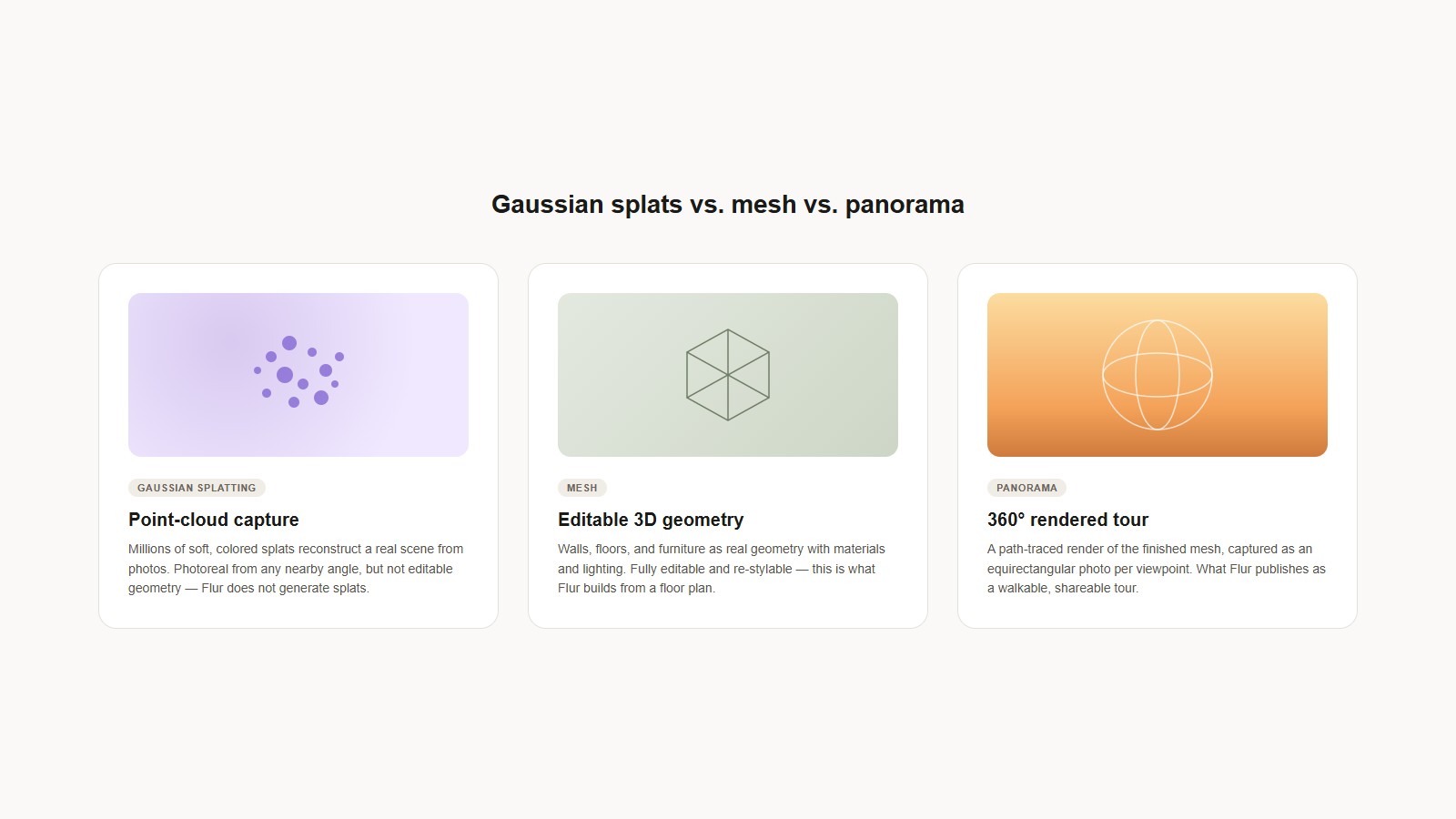
A mesh scene is directly editable — move a wall, swap a material, reposition furniture — because it kept exactly the structured information a splat field discards by design. A panorama render inherits whatever editability the underlying scene has: if it's a rendered view of an editable mesh, changing the mesh and re-rendering is straightforward; if it's a stitched photo, it's as fixed as the splat option.
Why an editable-geometry tool ships panorama, not splats
A design tool that exists to let someone change a room — move furniture, swap materials, adjust a layout — needs the room represented as editable geometry, full stop. That rules out shipping splats as the primary format regardless of how photoreal they look, because a splat field can't be the thing you edit. What it can still be useful for is delivery: once a room is correct and styled as a mesh, rendering it as an equirectangular panorama gives a photoreal, walkable view without asking the viewer to have GPU headroom for a multi-hundred-megabyte splat field, and without giving up the ability to edit the source scene and re-render.
This is exactly the shape of Flur's pipeline: editable mesh geometry built in the 3D Geometry step, a realism pass triggered as an action on that same geometry, and a published equirectangular panorama tour as the delivery format. Flur does not generate Gaussian splats — the format is covered here as honest background on what it does and doesn't solve, not as something the product produces.
Which one to actually use
Reconstructing an existing, already-built real space for photoreal viewing: splatting is the right tool, and nothing else gets you there. Building or changing a room that has to stay editable: mesh, no contest. Delivering a finished room as something someone can walk through on any device without asking them to download a large capture file: panorama. The three aren't rungs on one quality ladder — they're different answers to different questions, and the honest failure mode in this space is treating "photoreal" as the only axis that matters and picking splatting for a job that actually needs editable geometry underneath it.
Getting started
For the projection math and capture mechanics behind the panorama format specifically, see equirectangular panorama capture, explained. For where the panorama step sits in a full room build, see the 3D model creation pipeline, floor plan to walkable tour.
See how it works or request early access to see Flur's editable-geometry and panorama pipeline on your own floor plan.